 Stashwise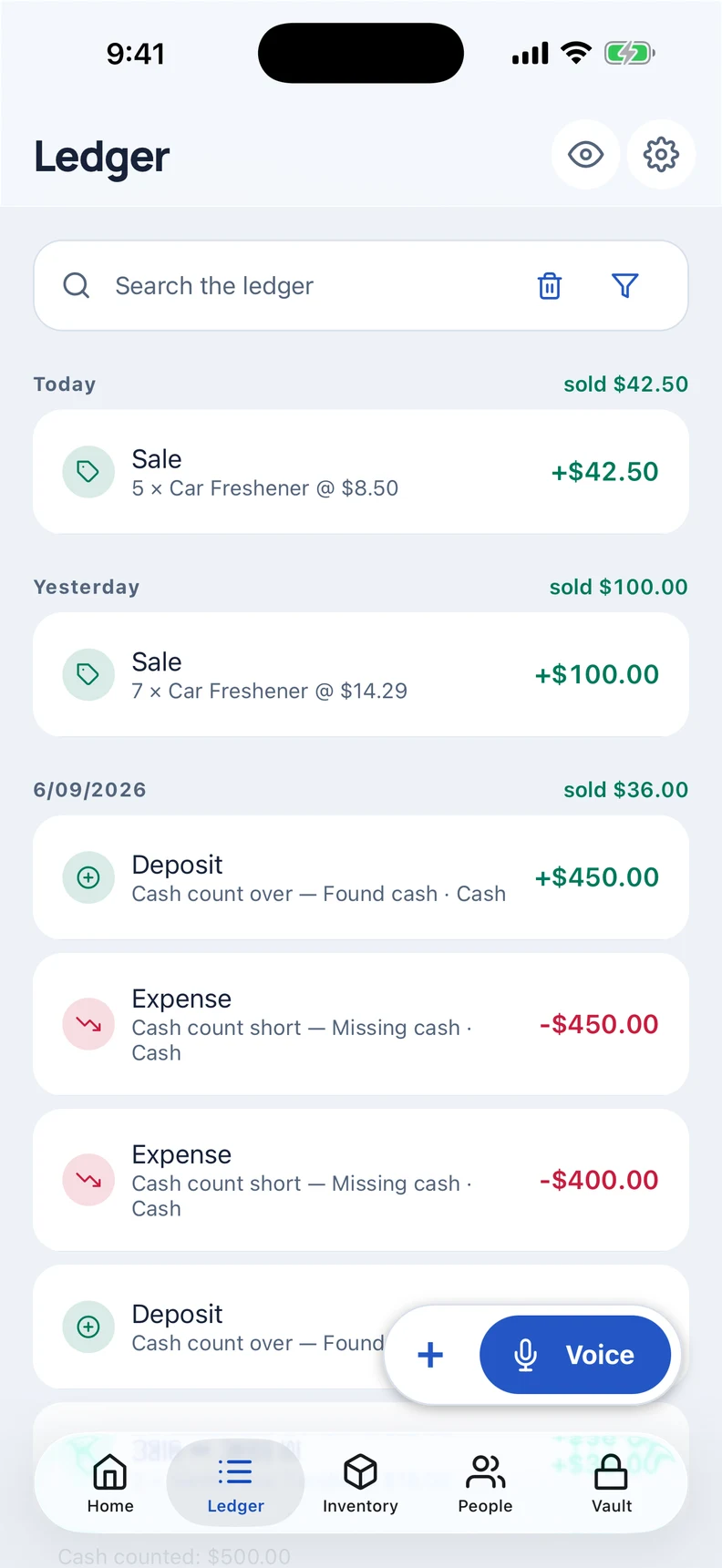
Start with what is on your table
Use guided setup to enter your opening cash, stock and any money already owed. Name your items and categories in the words you use at the stall. You can skip parts that do not apply and return to setup later.
Record the sale before the next customer arrives
Enter a sale on your phone, or use voice entry and check the filled-in details before saving. Keep the item, quantity and payment together so there is less to reconstruct at the end of the day.
Core sales, stock and payment recording works without a connection. Optional server-assisted voice processing and cloud backups need internet; you can read the details in the privacy policy.
Keep stall costs alongside your sales
Record expenses such as a stall fee, packaging or travel in the same ledger. Use your own categories to keep the entries understandable when you review them later.
If a customer will pay later, keep the amount owed with that person. Record their payment when it arrives instead of entering a second sale.
Finish the day with a stock and cash check
Compare the stock you brought with what remains and check your physical cash against the entries you recorded. Investigate missing entries while you still remember the day. Monthly stats and the recap give you another way to review your trading over time.
Do I need an account or a connection?
No account is needed. Your books are encrypted on your phone. Core records work offline, while optional online features are explained separately. Stashwise is for iOS and Android; contact us through the beta signup for current testing access.